 |

 |
|
|
|
||||||||||||||
|
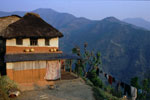
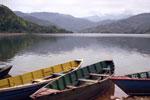
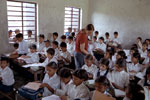
Nepal - Desktop Wallpaper
Instructions:
Click the version of the image the resolution your computer is set to. Your resolution is currently set to . When the image has loaded, follow the steps below (this will depend on what browser you are using). Internet Explorer: right-click the image and click "Set As Background". Mozilla and Netscape 7.x: right-click the image and click "Set As Wallpaper". Opera: right-click the image, hover over "Use image as" then click "Desktop Background". If using a Mac follow these steps (all browsers): Mac OSX: save the image to disk, go to the Appearance section of the Control Panel, choose the image in the "Desktop" tab and click "Set Desktop". Mac OS9.x: and earlier: save the image to disk, select "Control Panels", select "Appearance", "Desktop" and drag and drop the saved image into the preview and click "Set Desktop". Note: these images remain under the GVN copyright. |
|||||||||||||
 Climb Everest In October 2006 you have the opportunity to raise money for the Nepali Children's Fund. We're climbing the Base Camp of Mount Everest and you have the opportunity to join us.


